
TikTok Email Verification: Temporary Inbox Guide
TikTok may send an email verification code while you manage account contact details. Here is how to recognize the message in a temporary inbox while testing.
Before you begin
Open Tempgmail.io and copy the address displayed at the top of the tool. A public address lasts 10 minutes; the timer can extend it. The inbox is shared and should be used only for a disposable test. Check whether TikTok accepts the address in your specific flow: acceptance can vary and is never guaranteed.
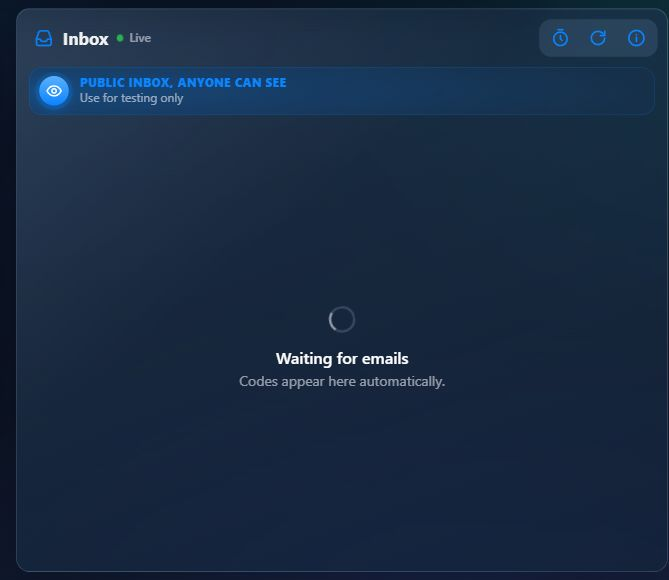
What the inbox looks like
- Enter the temporary address in the TikTok email field for your test.
- Return to the Tempgmail.io tab and watch the inbox. Messages are checked automatically; use Refresh if needed.
- Open the expected message and copy its code or follow its verification link within the time limit. The displayed 123 456 in our illustration is a fictional sample, never a real code.
TikTok details
TikTok’s account safety guide recommends linking both an email address and a phone number so there is another way back into the account. A temporary address is a poor long-term contact method for an account you value. The exact screens and delivery timing can change, so use the service’s current on-screen instructions and TikTok account safety guide when a step differs.
When to switch to your own email
Keep your personal TikTok account attached to an email and recovery method you control. Never treat a code in a public inbox as a secret, and do not use this tool for an account you intend to keep.
If you decide to keep the account, change its contact email while you still have access to the account and confirm the new address. Do this before the temporary address expires. Tempgmail.io cannot recover a third-party account or resend an old message after its address ends.
Get a temporary address and watch for your test email.
Open a temporary inbox